Chưa có sản phẩm trong giỏ hàng.
Tin tức
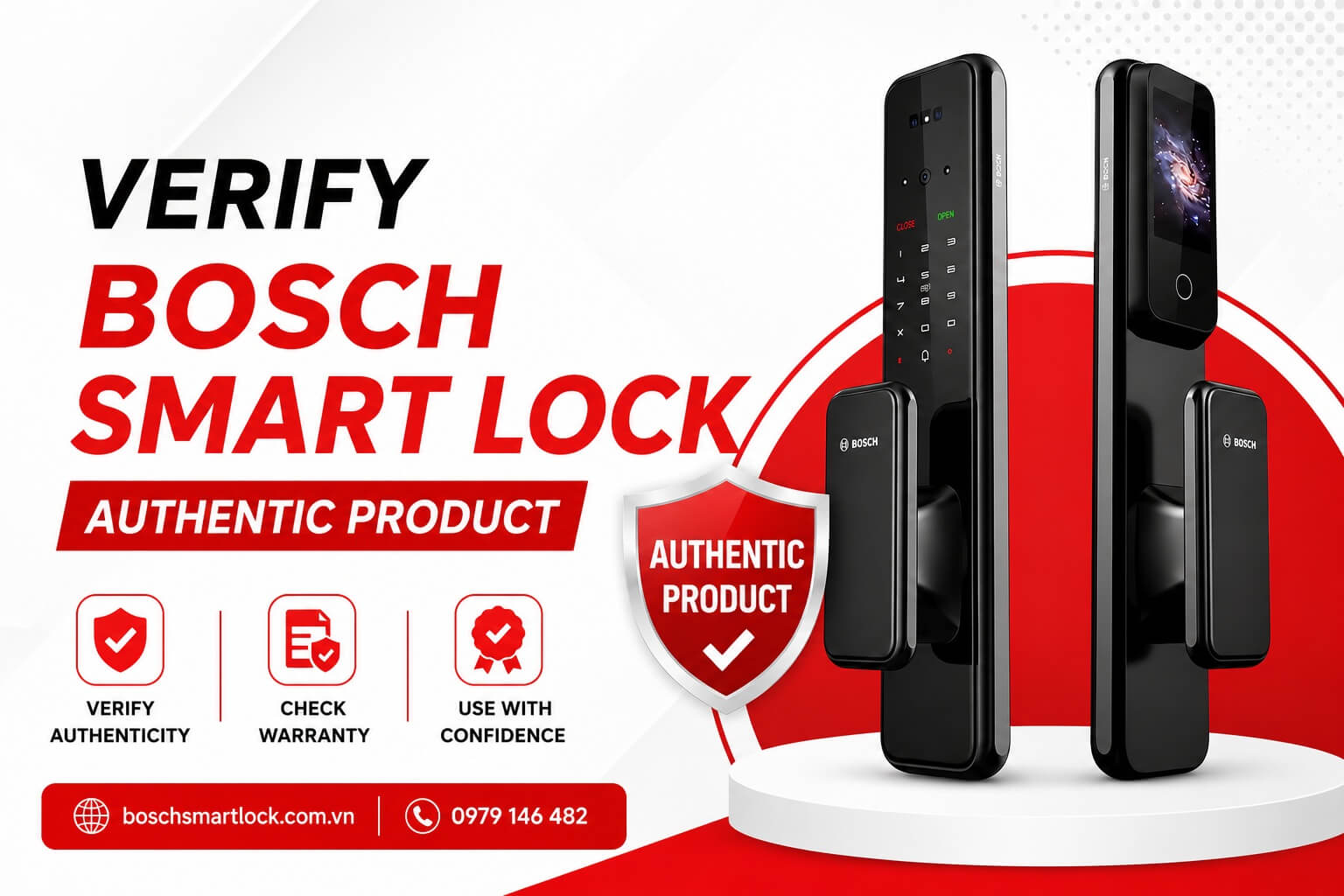
How to Verify a Genuine Bosch Fingerprint Door Lock by Serial Number
To ensure you purchase a genuine Bosch fingerprint door lock and receive full warranty coverage and technical support, you should verify the product’s Serial Number (S/N) immediately after receiving it or before installation.
Mục lục bài viết
Verify Your Genuine Bosch Fingerprint Door Lock
Checking the Serial Number allows you to confirm the product’s authenticity, warranty status, and reduce the risk of purchasing counterfeit or unauthorized products.
Step 1: Visit the Official Authenticity Verification Page
Go to the Bosch Smart Life VN warranty registration website:
https://bosch-smartlife.com.vn/warranty-registration/
On the website’s navigation menu, select “Authenticity Check” to access the product verification page.

Step 2: Enter the Bosch Lock Serial Number
On the verification page, enter the Serial Number (S/N) printed on the label attached to the lock body or the product packaging.
Then click “CHECK SERIAL NUMBER” to allow the system to verify your product.

Verification Results
After submitting the Serial Number, the system will display one of the following results:
Case 1: Genuine Product – Warranty Not Yet Activated
If the product is genuine but the electronic warranty has not been activated, the system will display the product information along with a status indicating that the warranty has not yet been registered.
In this case, you should contact your retailer or installation dealer for assistance with activating the warranty according to Bosch’s warranty policy.

Case 2: Genuine Product – Warranty Successfully Activated
If the warranty has already been activated, the system will display:
- Product information
- Serial Number
- Warranty activation date
- Warranty expiration date
- Customer information (if available)
This confirms that the product has been successfully registered and is eligible for the official warranty service.

Case 3: Invalid or Non-Existent Serial Number
If the system reports that the Serial Number is invalid, cannot be found, or does not exist in the database, you should:
- Double-check the Serial Number you entered
- Compare it with the label attached to the product
- Contact the seller immediately to verify the product’s origin
- Do not install or use the product until its authenticity has been confirmed

Why Should You Verify Your Bosch Door Lock?
Checking the Serial Number provides several important benefits:
- Verify that the product is genuine
- Check whether the warranty has been activated
- Ensure full warranty benefits from the authorized distributor
- Reduce the risk of purchasing counterfeit or unauthorized products
- Enjoy greater peace of mind during use, maintenance, and after-sales support
Important Tips When Purchasing a Bosch Fingerprint Door Lock
To ensure you receive a genuine, high-quality product, you should:
- Purchase only from authorized dealers or reputable distributors
- Verify the Serial Number before installation
- Request that the seller activates the electronic warranty immediately after installation
- Keep your purchase invoice, warranty documents, and product information for future technical support

 Liên hệ Zalo để nhận giá tốt
Khóa cửa vân tay Bosch FU8 PLUS
Liên hệ Zalo để nhận giá tốt
Khóa cửa vân tay Bosch FU3 PLUS
Liên hệ Zalo để nhận giá tốt Liên hệ Zalo để nhận giá tốt
Khóa cửa vân tay Bosch FU5 PLUS
Liên hệ Zalo để nhận giá tốt Liên hệ Zalo để nhận giá tốt
Khóa cửa vân tay Bosch EL800VF
Liên hệ Zalo để nhận giá tốt Liên hệ Zalo để nhận giá tốt
Conclusion
Verifying the Serial Number of your Bosch fingerprint door lock is a simple yet essential step to confirm product authenticity and protect your warranty rights. With just a few clicks on the official verification system, you can determine whether your product is genuine and whether its warranty has already been activated.
If the Serial Number is invalid or you notice any irregularities, please contact 0979 146 482 (Zalo) immediately for professional assistance and prompt support.